
Your interview practice companion
A calmer way
to get ready.
Meet Edge. Your little companion for the big conversation. Practice with personal AI cues, right on your Android phone.
Private by design. Made for rehearsal.
 A little Edge in your corner.
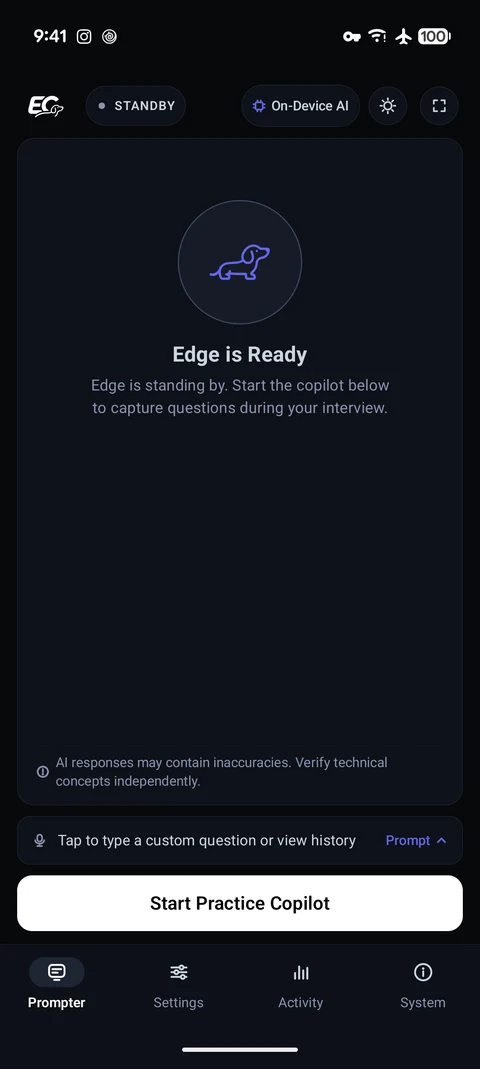
A little practice. A clearer answer.
Your next interview,
a little more familiar.
On-device AI. Offline after model setup.
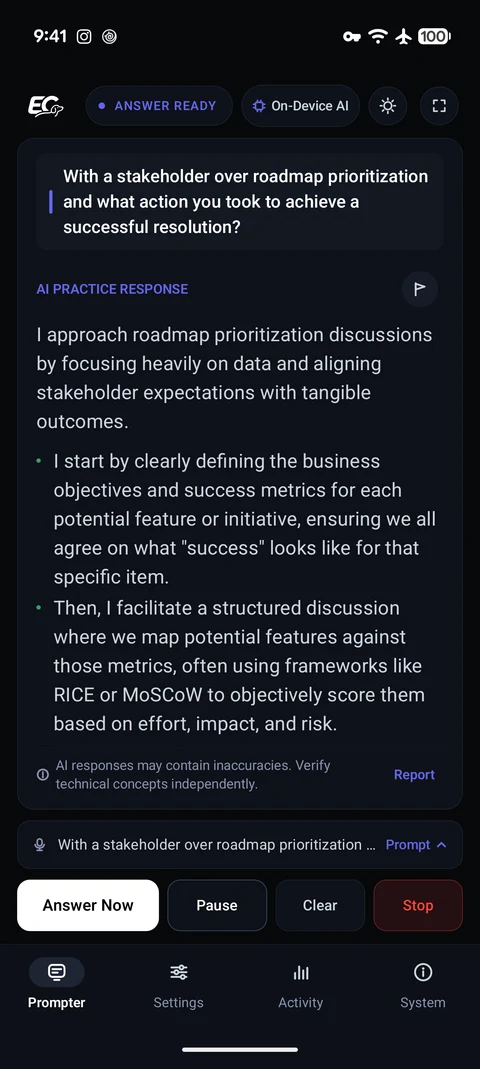
Find the words. Keep your voice.
Rehearse a question in English. EdgeCue listens and gives you structured talking points, so you can practice answering in your own words.
View full screenshotAndroid · Closed beta
Ready when you are.
Help shape EdgeCue. Join the testing group, then install through Google Play with the same Google account.
Android 13+ · 8 GB RAM recommended
Allow about 3 GB for the initial model download.
- 01
- 02
Make room for a little Edge
Become a tester and install EdgeCue on your phone.
Get the beta on Google Play
A few things to know.
Does my practice stay private?
Speech recognition and AI responses run on your phone. Audio and CV documents stay on-device for processing; transcripts are temporary unless you enable local history. If you choose to report an answer, the question, answer, report details, and app version are sent to the developer. Read the privacy policy.
Can I practice without internet?
Yes, after downloading the AI models during setup. Practice works offline, including in airplane mode. Optional answer reports need an internet connection.
Is my phone compatible?
EdgeCue requires Android 13 or later and at least 7 GB of physical RAM; 8 GB or more is recommended. Allow about 3 GB for models. Google Play checks device eligibility, and performance varies by phone.
What kind of interviews can I practice?
Rehearse spoken questions in English for any profession. Add your CV and target role for more relevant cues. EdgeCue is designed for mock interviews and preparation; get permission before recording anyone else.